
Review with the red crayon
Use the red crayon to point at the part of a diagram you want the agent to revisit. Each mark carries the node and your note, so you do not need to explain which component you mean in chat.
Watch a review round
Section titled “Watch a review round”The clip shows a draft mark, a note, Send, and the agent’s kept reply.
It uses the real local app with sample data and a scripted agent response.
The steps below also describe the clip without motion.
Open the looping GIF · Open the still image
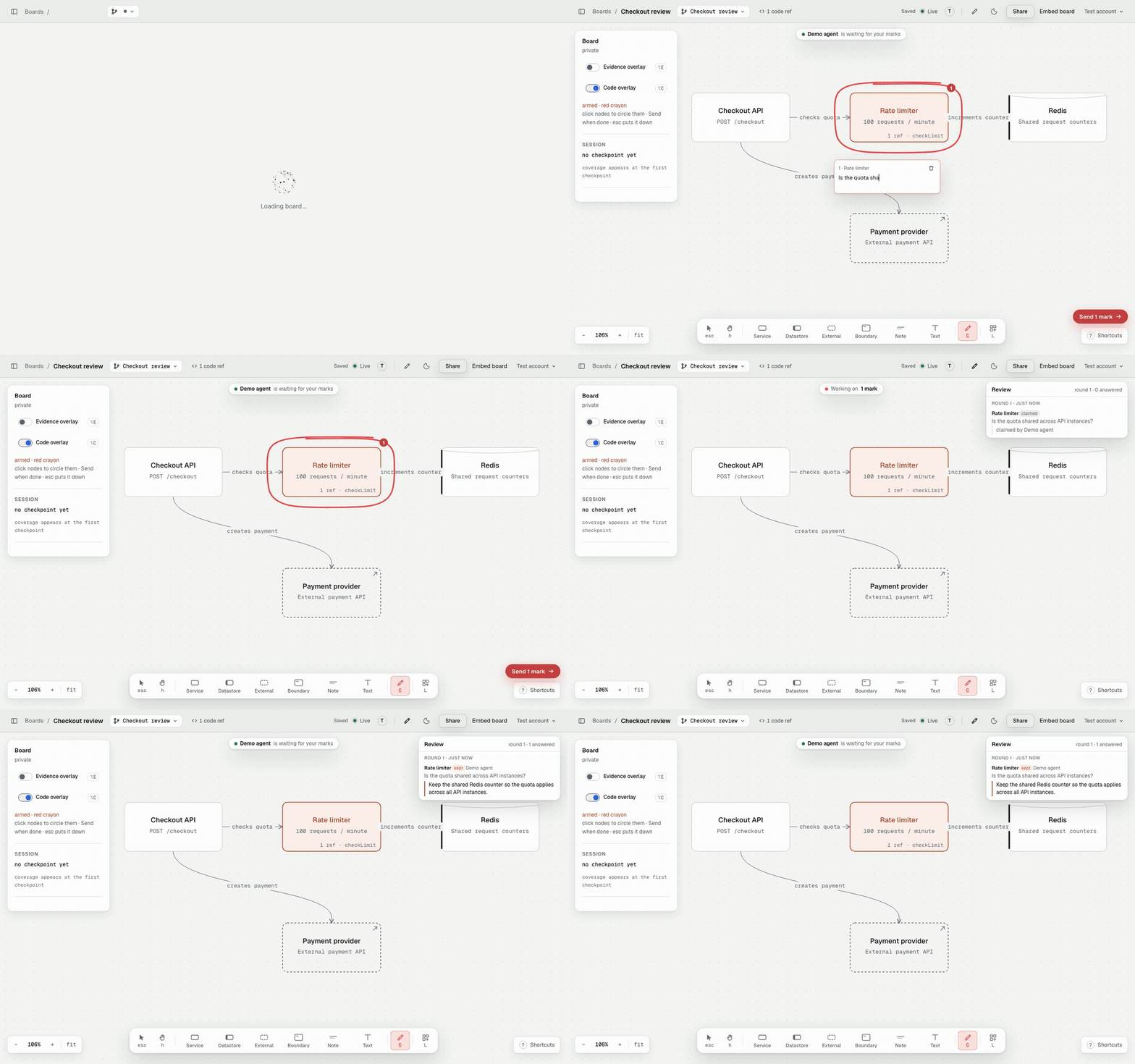
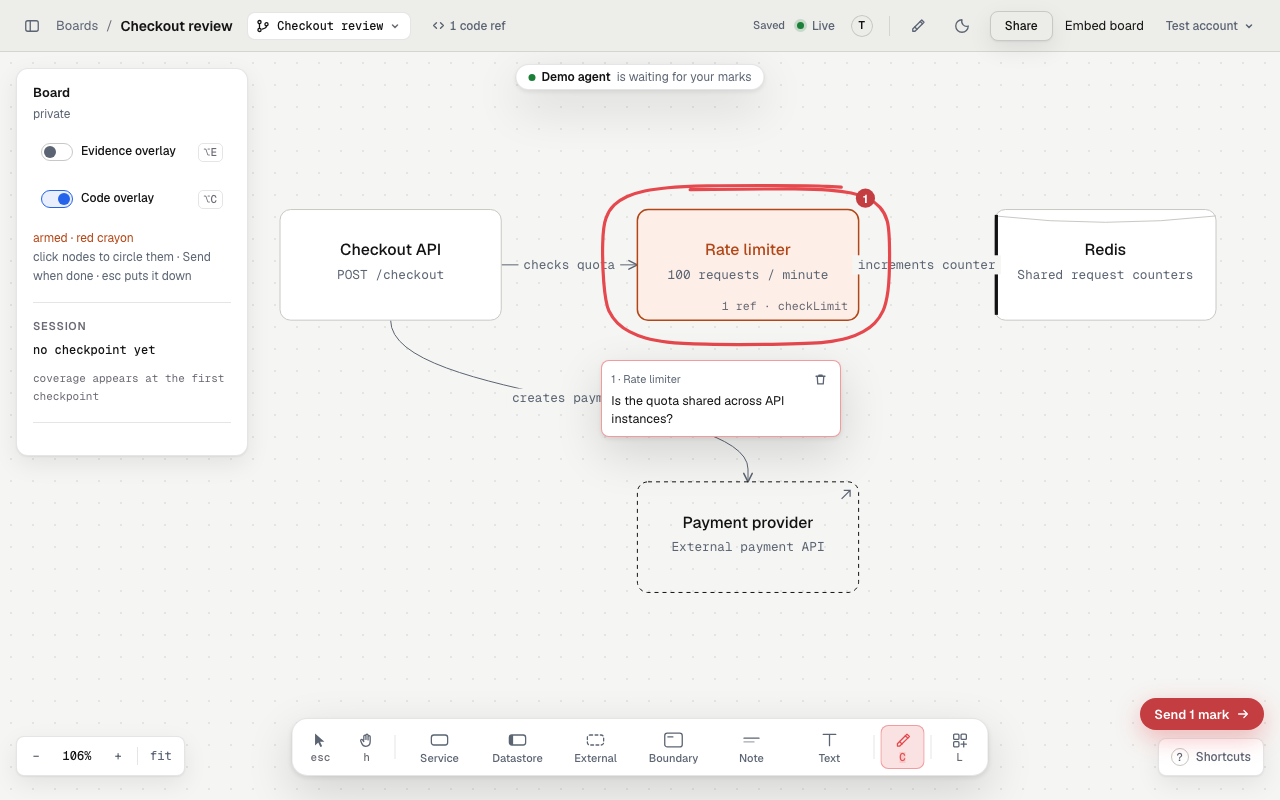
Start the review
Section titled “Start the review”Ask your connected coding agent:
Draw the checkout flow on this board, then listen for my red crayon marks. For each mark, inspect the related code and either fix it or explain why you kept it. Reply on the board with the files you changed.The agent must stay available to process marks. Sending a mark does not start a new agent session.
Mark and send
Section titled “Mark and send”- Sign in with edit access to the board.
- Press C, or choose the red crayon in the toolbar.
- Click a node to circle it and open its note.
- Write specific feedback, such as “Add a timeout and explain the failure path.”
- Mark any other nodes you want reviewed.
- Press Send to send the batch as one review round.
An empty note is allowed. A written question gives the agent a clearer task. Draft marks stay in your browser until you press Send. Other editors and agents do not see them. A round holds at most 20 marks.
Read the answer
Section titled “Read the answer”Open Review to read each round. Marks move through these states:
| State | Meaning |
|---|---|
sent |
The mark awaits an agent. |
claimed |
An agent took the mark and is working on it. |
fixed |
The agent reports a code change, with its reply and changed files. |
kept |
The agent left the code as it was and explains why. |
Choose a row to return to its node. A reply reports what the agent did. It is not an independent check that the fix works. If the answer or change needs more work, send another round.
If no agent is listening
Section titled “If no agent is listening”The board shows No agent listening. Open the board and tell your agent:
Review my marks on this board: <board link>. Keep listening after you answer this round.The background listener stops after nobody opens the board for ten minutes. An ended coding session also needs you to resume the agent.
How an MCP agent handles it
Section titled “How an MCP agent handles it”The agent keeps the seat from start_session. It calls watch_marks and runs
the returned command in the background. Then wait_for_marks returns claimed
marks grouped by shared files. Without background tasks, the agent can use
wait_for_marks directly.
Every mark receives reply_to_mark with fixed or kept, a reply, and a file
list. list_marks reads previous rounds. See MCP tools.