
Charts
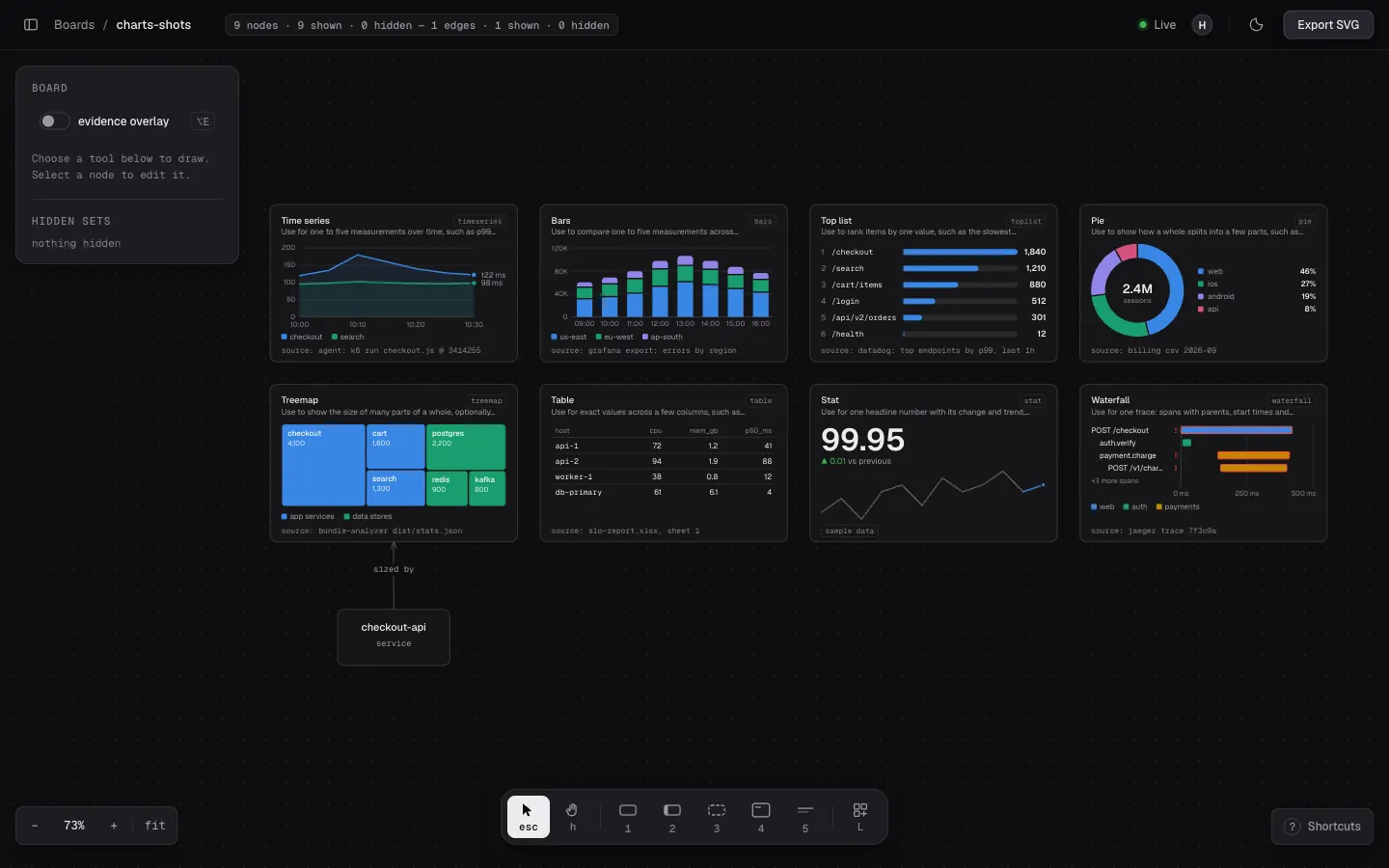
A chart is a node that holds data, drawn beside the components it is about.
There are 11 types: timeseries, bars, toplist, pie, treemap, table,
stat, waterfall, scatter, schedule and kanban.
Ask your agent
Section titled “Ask your agent”Chart the p95 latency of the checkout API over the last hour, next to its node.What the agent does
Section titled “What the agent does”describe_chartsreads what each type takes.create_chartadds the chart from CSV data, with a source that says where the data came from, for exampleagent: npm run bench @ <sha>. An agent must always give one.set_chart_dataupdates it.
Hover a chart for the value under the pointer. Press L for the library: place
any type with example data, or save your own selections to reuse.
Limits
Section titled “Limits”- A chart is at least 224x144.
- The CSV is at most 32 KB, with at most 5 series. Units go in the
unitoption, not in the cells.
Tools: describe_charts, create_chart, set_chart_data, get_chart.